

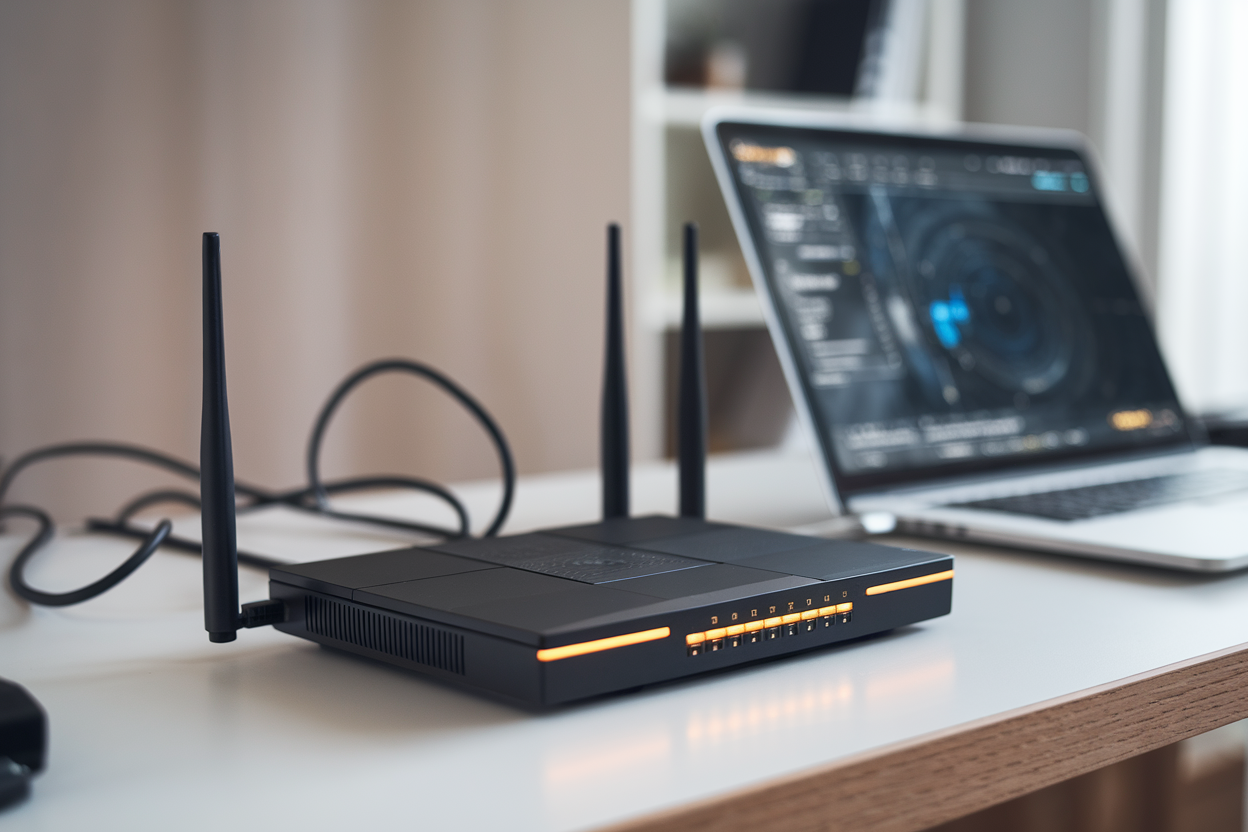
If you’ve got a FritzBox cable router and your connection’s been doing that maddening thing—fast one minute, mushy the next, with random hiccups—AVM says it has a fix. The German router maker is rolling out FritzOS 8.25 to two specific models: the FritzBox 6660 and FritzBox 6591.
The headline feature isn’t some shiny new dashboard or a gimmicky “AI Wi‑Fi optimizer.” It’s a bug fix tied to packet handling—the unglamorous plumbing that decides whether your Zoom call stays smooth or turns into a hostage video.
Two models, and that’s not an accident
For now, FritzOS 8.25 is targeted at the FritzBox 6660 and FritzBox 6591—both cable (DOCSIS) routers. That narrow rollout matters. Router firmware isn’t one-size-fits-all; different chipsets, radio modules, and cable-specific drivers mean a fix that helps one box can break another.
Crimson Desert’s “Summon-a-Buddy” twist helps you mop up bandits—just not bosses
These aren’t “just Wi‑Fi routers,” either. They’re the whole front door to your home network: WAN access over your cable provider’s line, routing, NAT, firewall rules, sometimes phone features depending on setup, and traffic prioritization. So when AVM flags “packet management,” it’s talking about the core machinery every single connection rides on.
And AVM appears to be playing it cautious—firmware updates for gateways like these usually roll out in waves. Nobody wants to push a bad update to everyone and turn a handful of complaints into a five-alarm support disaster.
The real fix: packet handling, tangled up with hardware acceleration
AVM’s own messaging (picked up by German-language tech press) points to a fix in packet management. Translation: the router’s ability to move traffic cleanly—queue it, inspect it when needed, apply NAT/firewall/QoS rules, and decide what gets processed by software versus what gets shoved through hardware acceleration.
Europe’s TV Networks Want Brussels to Stop Smart TVs From Hijacking Your Home Screen
Hardware acceleration is supposed to be the good part. It offloads work from the main CPU so your router doesn’t choke when the house is busy: someone gaming, someone streaming, someone uploading a giant file, and somebody else on a video call pretending they aren’t multitasking.
But here’s the catch: acceleration creates a second “fast lane” through the router. And fast lanes can have their own bugs. When something goes sideways in that accelerated path, you can get the most infuriating kind of problem—everything looks fine under light use, then falls apart under load. Think: sudden latency spikes, packet loss, or throughput that craters during peak activity and then magically recovers.
AVM isn’t publishing a detailed, line-by-line changelog or performance numbers. You’re not getting a neat “15% lower latency” claim. What you’re getting is a blunt hint: we fixed something central enough to mention out loud.
Why cable-router users feel this pain more
Cable internet has its own built-in headache: parts of the network are shared, so speeds can swing depending on neighborhood load. That makes troubleshooting a mess, because a router bug can look exactly like “my ISP is trash tonight.”
When people complain about instability, the blame usually goes: Wi‑Fi first, then the cable company. Meanwhile, a firmware-level packet-handling bug can produce the same symptoms—throughput drops, ping jumps, sessions reset—especially in homes packed with connected devices.
And these FritzBox models often run as all-in-one hubs: router, switch, Wi‑Fi access point, sometimes DECT phone base or media features depending on configuration. The more jobs the box does, the more chances there are for a low-level traffic-handling flaw to show up as “the internet is acting haunted.”
What this update actually changes for real people
If FritzOS 8.25 does what it’s supposed to, the win isn’t bragging-rights speed tests. It’s boring reliability: fewer micro-dropouts, fewer “why did my call freeze?” moments, fewer late-night router reboots that feel like superstition.
This is the kind of fix that matters most for video conferencing, online gaming, and sustained uploads—anything where packet loss and jitter slap you in the face immediately. Streaming video can hide problems with buffering… until it can’t.
For power users running VPNs, remote access, or port forwards, more reliable packet processing can also mean fewer flaky connections. Not glamorous. Just less time wasted.
One caveat: because AVM isn’t being fully transparent with detailed release notes, you can’t easily map “my exact symptom” to “this exact fix.” That’s the consumer-router business: vague wording, minimal detail, and a lot of “trust us.” Still, calling out packet management specifically is AVM basically admitting the issue was noticeable.
Practical advice: treat it like a real network change
Even when an update is “just bug fixes,” firmware can change network behavior. If your household depends on stable connectivity—work-from-home, security systems, remote access—don’t install it five minutes before a big meeting. Save your configuration, plan for a reboot, and sanity-check the stuff you actually rely on afterward.
The point of FritzOS 8.25, at least as AVM is framing it, is stability—not new toys. That usually means lower risk. Usually.