

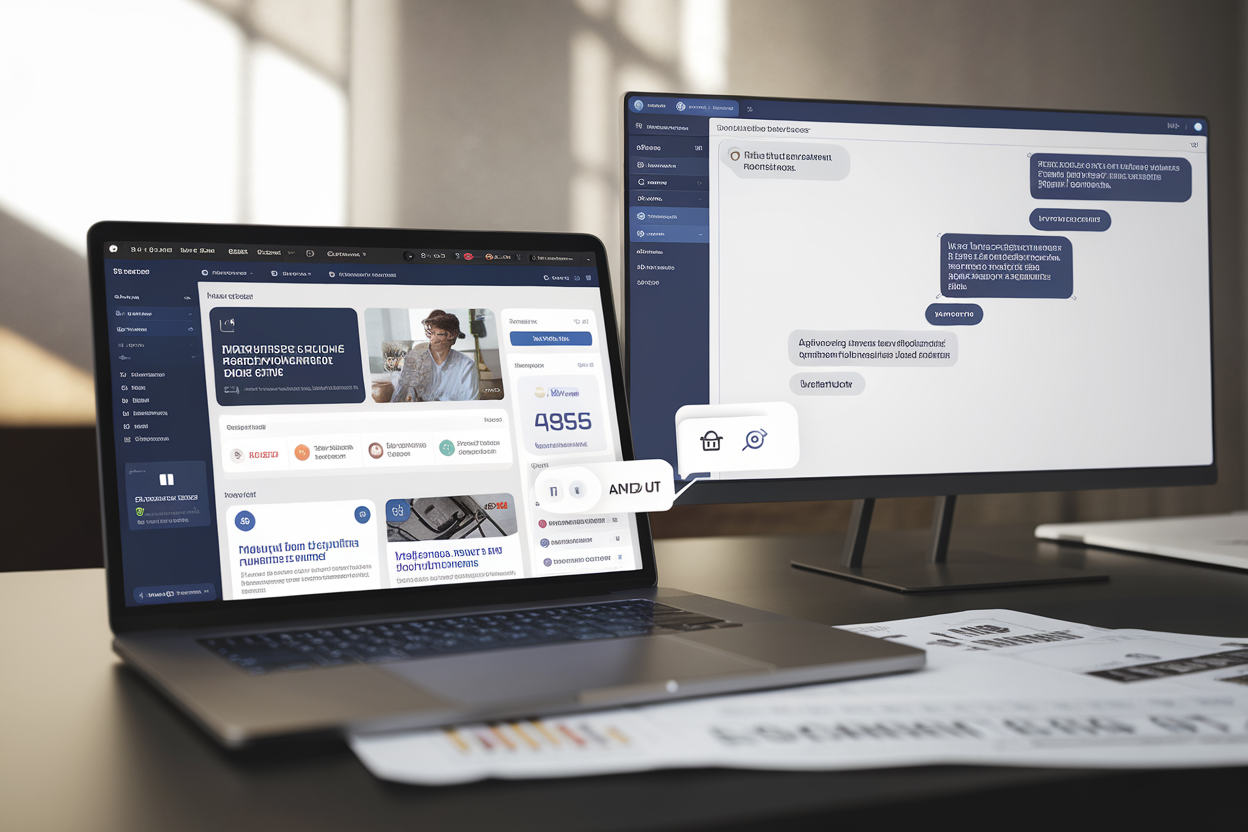
WordPress.com just handed the keys to the content-management car to AI agents—and yes, they can drive, not just sit in the passenger seat reading the map.
Automattic’s hosted WordPress service says AI agents connected through the Model Context Protocol (MCP) can now do things: write drafts, edit pages, publish posts, moderate comments, and mess with your site’s categories, tags, and media library. This isn’t “help me brainstorm a headline.” This is “go ahead and hit Publish.”
The rollout has started across WordPress.com’s paid plans, according to the company’s product documentation. Site owners flip it on in an MCP control panel, connect an outside agent—think ChatGPT or Anthropic’s Claude—and then grant specific permissions. The pitch is frictionless publishing: you type what you want in a chat window, and the site changes in real time.
That’s the dream. The nightmare is also pretty easy to picture.
MCP: the open standard that turns chatbots into site operators
The whole thing runs through MCP—short for Model Context Protocol—an open standard meant to feed “context” to large language models. WordPress.com has been MCP-compatible since October 2025, but until now that mostly meant read access: letting an agent look at existing content, analytics, and site settings.
Now MCP becomes a bridge from conversation to execution. It’s API-style integration with a different vibe: instead of a developer wiring up endpoints, you’ve got an AI agent chaining tools together because you asked nicely in plain English.
WordPress.com name-checks a range of compatible agents and environments on the user side—Claude, ChatGPT, Cursor, OpenClaw—telegraphing a strategy: Automattic doesn’t want to force you into one “official” assistant. Use your favorite.
That’s great for adoption. It also expands the attack surface, because every agent connection is another chain of authentication, permissions, and logging that can break in creative ways.
Competitively, MCP lowers integration costs and makes it easier to stitch WordPress.com into bigger AI workflows—analytics, e-commerce, CRM, the whole stack. Automattic’s bigger fear is obvious: content creation drifting into AI suites while WordPress becomes a dumb endpoint. This move tries to keep WordPress.com in the middle—as the execution hub, not the final dumping ground.
What the AI can actually do: 19 tools across posts, pages, comments, and more
WordPress.com says the update adds 19 “writing and editorial management” tools spanning six content types: posts, pages, comments, categories, tags, and media files.
In normal WordPress life, those tasks mean hopping between screens: draft, save, preview, publish, then go back and clean up taxonomy so your site doesn’t look like a junk drawer. The new promise is one continuous chat: tell the agent to draft a post, rewrite it in a certain style, add categories, suggest tags, and publish—without you touching the classic dashboard.
And yes, it can also edit existing pages, fix links, and handle comments.
Comment moderation is where the “sounds convenient” meter collides with reality. Moderation is tedious, and plenty of site owners would love to outsource it. But letting an agent approve, delete, or respond introduces a fresh batch of ways to screw up: nuking legitimate criticism, letting spam through, or “helpfully” replying to a sensitive situation with the emotional intelligence of a toaster.
Media management is its own minefield. Renaming, uploading, organizing, attaching images—fine. But editorial teams live and die by rights, credits, and visual consistency. An agent that’s fast and wrong can create a legal or brand mess in minutes.
The feature only works if WordPress.com gives admins real traceability—who did what, when, and based on which instruction—so your website doesn’t turn into a black box powered by prompts and vibes.
Paid plans only—for now—and controlled through an MCP dashboard
Automattic is rolling this out to WordPress.com’s paid tiers. That’s not charity; it’s risk management and monetization. Limit the blast radius, support customers who have accounts and billing relationships, and sell “automation” as a premium perk.
Turning it on happens through an MCP dashboard where you connect an external agent and authorize specific operations. That authorization step is everything. An agent that can publish isn’t a cute helper—it’s effectively a user account with hands.
WordPress.com’s public documentation describes access to content and settings plus the ability to execute actions, but the devil is in the controls: How granular are permissions? Is there mandatory approval before publishing? Are there detailed audit logs? Can you restrict destructive actions? Those details determine whether this is manageable power or a loaded gun on the desk.
There’s also a human-factors problem: chat interfaces are slippery. In the classic WordPress editor, you see fields, buttons, previews, and confirmation dialogs. In a conversation, an ambiguous sentence can become an irreversible action. If WordPress.com doesn’t build in guardrails—confirmations, previews, limits on bulk edits—someone’s going to publish the wrong thing at the worst time.
And here’s the irony: MCP being an open standard helps WordPress.com plug into the AI ecosystem. It also makes it easier to leave. If agents can operate any CMS through similar protocols, switching platforms gets less painful.
An assistant that publishes: productivity gains, security risks, and who takes the blame
Once an AI can edit and publish, responsibility gets messy fast. Publishing isn’t a neutral act for a business, nonprofit, or newsroom—it can carry legal exposure and brand damage. The agent doesn’t “understand” anything; it predicts text and executes instructions based on context.
That’s how you get the classics: factual errors, awkward phrasing, invented quotes, or content that violates internal rules. And because the agent can act, those mistakes don’t just sit in a draft—they can go live.
Security is the other flashing red light. An agent connected via MCP becomes a target. A leaked token, hijacked session, or sloppy permissions can lead to unauthorized changes. Worse, there’s the newer flavor of attack: manipulating the agent through the content it reads. If a malicious comment or page contains disguised instructions, you can end up with “prompt injection” that turns into real actions—especially dangerous when the agent has write privileges.
Then there’s governance. If an agent can create categories and tags, it can quietly wreck your site structure and SEO strategy: duplicate taxonomies, inconsistent naming, keyword chaos. Marketing teams might love the speed right up until the site’s navigation looks like it was organized by a caffeinated raccoon.
Still, the upside is real—especially for small shops. Being able to tell your CMS “fix the typos on that page,” “update the hours,” or “publish this draft with these tags” could save hours of busywork. It also lowers the barrier for people who hate WordPress’s interface but still need to run a site.
Automattic’s challenge is simple: give people the power without letting it turn their websites into self-updating liabilities.