

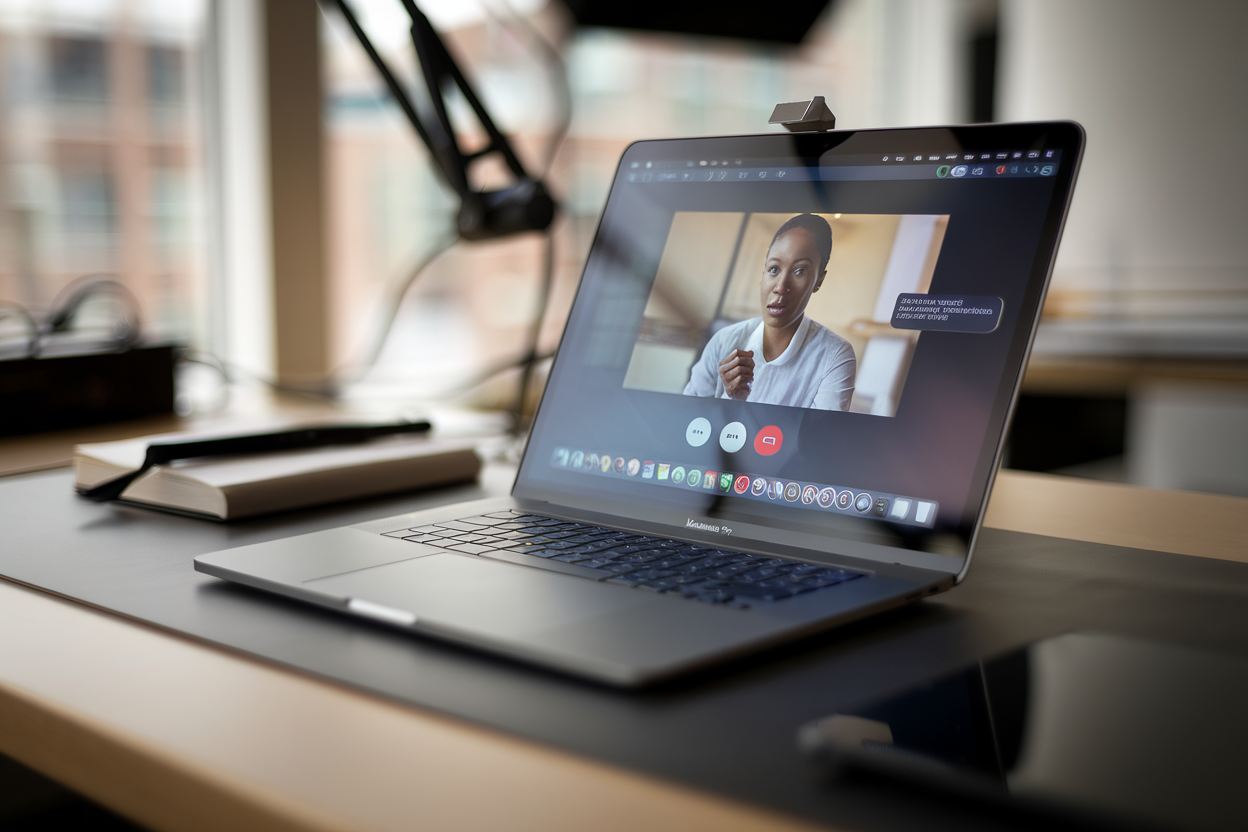
You know that dead giveaway on video calls—the eyes dipping down to read notes, the little side-glance that screams “I’m not actually looking at you”? A Mac app called Notchie is built to fix that, and it does it by exploiting Apple’s most mocked design choice: the MacBook notch.
The pitch is almost insultingly simple. Put your script as close to the webcam as physically possible, so you can read without looking like you’re reading. Notchie turns the area around the notch into a tiny, discreet teleprompter—so your “eye contact” stays mostly intact during a pitch, a remote class, a recorded update, or that high-stakes interview you’re taping for a hiring committee.
Because the real ergonomic problem hasn’t changed in 20 years: the camera’s up top, and your notes are somewhere else. Usually lower on the screen. Or on a second monitor. And everyone can tell.
A teleprompter hiding in plain sight—right where the camera lives
Notchie is based on a basic bit of physics and human perception: the farther your text is from the lens, the bigger your eye movement looks. Put the words near the camera, and the “reading” becomes harder to spot.
TV solved this decades ago with hardware teleprompters—mirrors in front of the lens reflecting scrolling text. Notchie’s twist is software: no rig, no glass, no iPad bolted to a tripod. Just a strip of text tucked up near the notch, a few millimeters from the webcam.
That matters for everyday work. Most people aren’t running a studio setup for a Tuesday morning pipeline review. They’re on a laptop, on the road, in a spare bedroom, trying to sound coherent while Slack pings like a smoke alarm.
And yes, the use cases are obvious: sales pitches, recorded team updates, online courses, internal announcements. Any situation where you need to hit exact phrasing—product names, compliance language, numbers—without sounding like you’re rummaging through your brain in real time.
Apple’s 2021 notch: from aesthetic crime to useful anchor
The notch showed up on MacBook Pros in 2021, alongside Apple’s push for a better built-in camera—1080p, finally, after years of potato-cam misery. People complained (they still do), but the notch also created a stable, recognizable zone at the top center of the screen, right where attention goes when someone’s talking: the face, the lens.
So developers started “domesticating” it with little utilities—menu bar management, icon reshuffling, notch-hiding tricks. Notchie fits right into that tradition. It’s not a hack in the “security breach” sense. It’s a hack in the “fine, we’re stuck with this design, let’s make it earn its keep” sense.
There’s also a modern-work reality here: screens got bigger, windows multiplied, and meetings happen with documents open everywhere. Reading from a corner of your display—or worse, a second monitor—turns your eyes into windshield wipers. Put the text up top, centered, and the movement shrinks.
Software vs. hardware teleprompters: convenience wins, comfort loses
If you’re shooting polished video, hardware teleprompters are still king. Big text, comfortable distance, smooth scrolling, dead-center gaze. But they’re a pain: physical setup, angle tweaks, reflection checks, device compatibility, and usually a phone or tablet dedicated to the job.
Notchie is the opposite deal. It’s fast. It’s light. It’s there when you need it. But the notch area is small, so readability becomes a game of font size, line breaks, and scroll speed. You’re trading comfort for convenience.
And here’s the funny part: “less perfect” can look more human. A hardware teleprompter can produce that eerie, locked-in stare if the speaker reads too mechanically. With a tiny on-screen prompt near the camera, you’ll still have micro-movements—often closer to how real conversation looks.
There’s also a privacy angle people ignore until it bites them. A software teleprompter puts text on your screen. If you accidentally share the wrong window, or you’re recording, that script could end up visible. Hardware can be totally outside the digital feed. On the flip side, software lets you paste in last-minute edits and keep multiple versions without juggling devices.
Better “eye contact” changes how people judge you—fair or not
On video, we judge each other brutally. A wandering gaze can read as uncertainty, distraction, even dishonesty—when it’s really just someone trying to get the numbers right.
For sales teams, that’s the whole ballgame. Scripts are packed with exact claims, product names, pricing language, and metrics. Reading them cleanly without mangling details reduces mistakes—and avoids the “uh, let me check that” stumble that kills momentum.
For remote teaching and training, it’s a fatigue reducer. Long sessions are mentally expensive; having a tight outline near the lens helps keep pace without constantly breaking engagement.
But in hiring interviews and other sensitive settings, this gets thornier. If one candidate uses a teleprompter and another wings it, are you evaluating communication—or who prepped better with better tools? Companies are going to have to decide what they actually value: spontaneity, or precision.
One more warning label: if you shove a full script up there and read it word-for-word, people may not see your eyes darting—but they’ll hear the cadence. The sweet spot is usually bullet points, transitions, names, and numbers. Notchie can hide your glance; it can’t give you charisma.
Why these tiny Mac utilities keep popping up (and why they live or die on annoyance)
Notchie is arriving in a Mac ecosystem where small, single-purpose utilities are thriving again. Hybrid work created a market for apps that fix one specific irritation: window wrangling, noise reduction, camera tweaks, automation—and now, speaking aids.
The catch is tolerance is low. If an app messes with full-screen mode, collides with the menu bar, or gets in the way during a meeting, it’s gone. A notch-adjacent teleprompter has to play nice with macOS, notifications, and whatever other menu-bar gremlins users have installed.
It also has a built-in risk: Apple changes interfaces whenever it feels like it. If the notch disappears on future models—or macOS reshuffles that top area—Notchie’s whole advantage could shrink fast.
And because this kind of app runs during meetings and handles potentially sensitive text, trust matters. Users should treat it like any communications-adjacent tool: check permissions, read the privacy policy, and don’t assume “small app” means “no data.”
The bigger takeaway is cultural. A few years ago, teleprompters were for studios. Now they’re for middle managers trying to sound awake at 9:00 a.m. The notch started as a design compromise people loved to hate. Notchie is betting it can become a productivity feature.
FAQ
Does Notchie only work on notched MacBooks?
It’s designed around the notch area because that’s closest to the webcam. You can still benefit from text near the camera on older Macs, but the notch-specific placement is the whole gimmick.
Will it make reading totally invisible?
It mainly reduces eye movement. If you read like a robot, people will still hear it in your delivery.
Who’s it for?
Webcam presentations, webinars, remote teaching, and internal videos—anywhere exact wording, names, or numbers matter.